Finding Product-Market Fit (PMF) is the holy grail for any startup, but for indie hackers and solo founders, the journey can feel incredibly abstract. Large companies hire user research teams and deploy complex sentiment analysis models. As a solo dev, you have a code editor, a Stripe account, and limited time. You need a fast, reliable, and mathematically sound way to know if you are building something people actually want.
Enter the Sean Ellis survey method. Popularized by growth hackers, this framework distills user satisfaction into a single, high-leverage question. In this guide, we will break down how to implement this survey, gather responses, and validate your product-market fit in under 30 days.
The Single Question that Matters
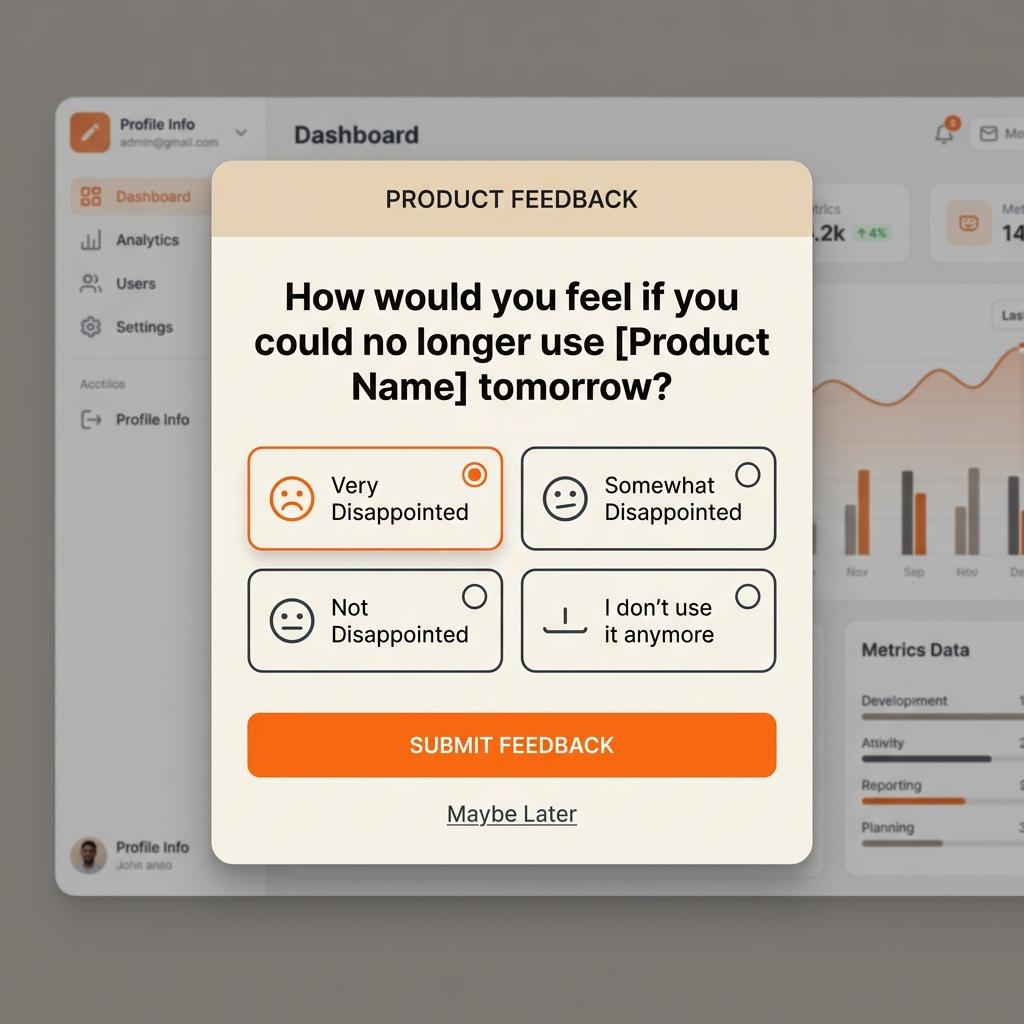
Instead of asking users general questions about their satisfaction, the Sean Ellis survey asks them to imagine their life without your product. The question must be phrased exactly like this:
“How would you feel if you could no longer use [Product Name] tomorrow?”
Users are given four specific, mutually exclusive choices:
- Very disappointed
- Somewhat disappointed
- Not disappointed (it isn’t that useful)
- I no longer use [Product Name]
The 40% Magic Cutoff
Sean Ellis analyzed hundreds of startups and found a striking correlation: companies where 40% or more of their active users answered "Very disappointed" almost always went on to experience sustainable, organic growth. Startups below the 40% threshold struggled to acquire and retain users, regardless of how much money they spent on marketing.
Why does this threshold work? It measures absolute emotional dependency. If 40% of your users feel like your tool is indispensable, your core value proposition is validated. You have found a real, painful problem and built a viable solution.
How to Segment the Responses
Once you launch your survey (ideally using an in-app SDK like Loopyback so it triggers naturally while the user is engaged), you need to look at your data. However, not all feedback is equal. You must segment your audience to find the true signal:
- Filter out inactive users: Only survey users who have experienced the core value of your app at least twice in the last two weeks.
- Focus on the "Very Disappointed" cohort: These are your core advocates. Analyze their profiles, their traits, and the exact language they use. This is your target customer profile.
- Analyze the "Somewhat Disappointed" group: This is where your growth potential lies. Ask them: "What is the main thing missing from our app?" If you can convert a fraction of these users, your PMF score will soar.
Key Takeaways
- The Sean Ellis question is the most reliable leading indicator of PMF.
- A score of 40% or more "Very Disappointed" is the threshold for takeoff.
- Continuous in-app micro-surveys prevent research fatigue and yield 5x higher response rates.
- Ignore the feedback of users who say they would "not be disappointed" — they are not your target audience.
Code Example: Triggering Surveys with SDK
With Loopyback, triggering a survey once a user reaches activation is incredibly straightforward. Here is a simple example in React Native:
import { Loopyback } from 'loopyback-react-native';

// Trigger the survey automatically when the user completes their third export
function onUserExportComplete() {
  Loopyback.trackEvent('export_completed');

  // Loopyback handles checking active session count and cohort targets
  Loopyback.triggerSurveyIfEligible('pmf-survey');
}
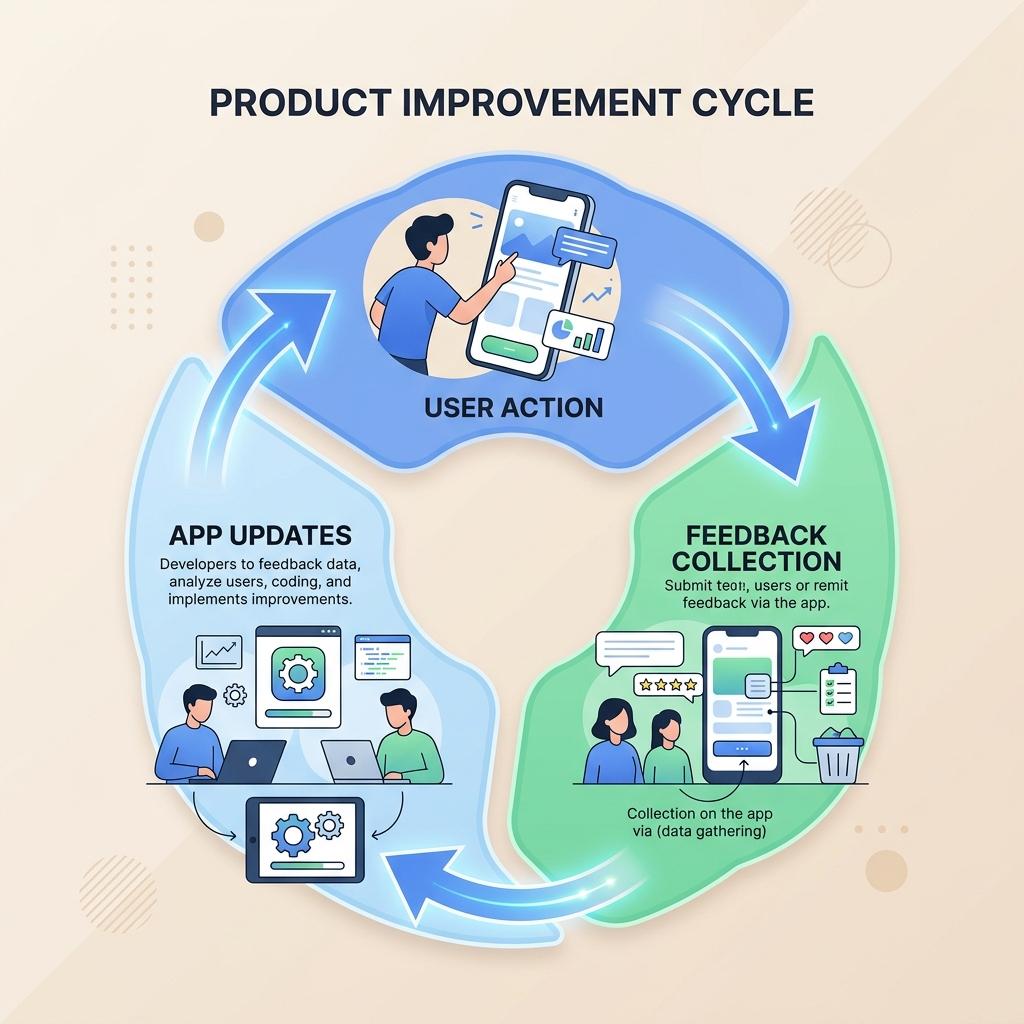
By setting up this automated feedback loop, you will continuously collect data without manual outreach. Within 30 days, you will have a clear, data-driven answer to whether your SaaS is on the path to product-market fit.